
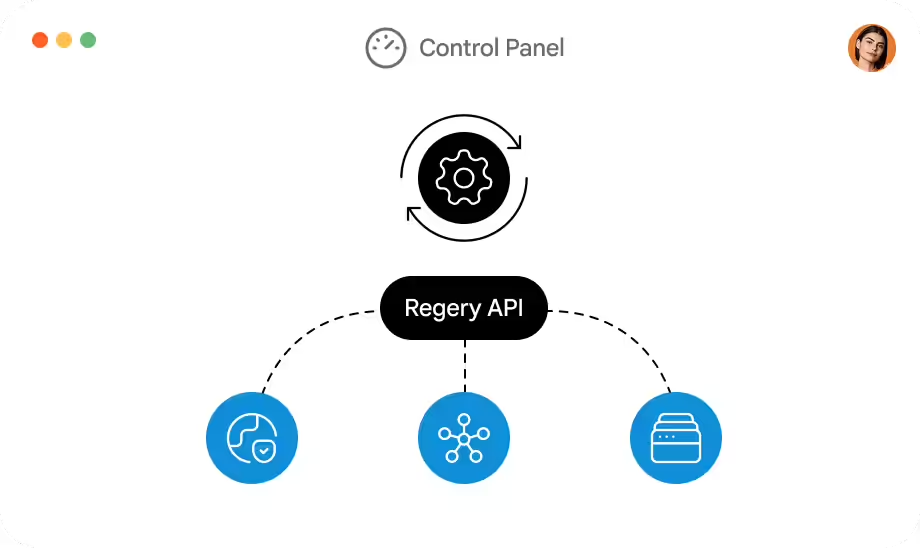

Testing mode
Test mode allows you to test your integration without registering real domains. Test mode is a test environment that simulates the creation of real entities without the risk of affecting real entities or incurring charges for paid actions.
To enable test mode, you need to generate an API test key in the Control Panel and use it to authenticate the API.
Test mode allows access to the test phone number and test domain token, which are common to all API test keys.
- Thetest phone number should be used when creating contacts. It should be specified as a contact phone number.
- Thetest domain token should be included as part of the SLD domain name.
Entities created in test mode will be visible in our dashboard and will have limited management capabilities. We do not guarantee the retention of test entities and they can be deleted from the account at any time.
Full support for the features, policies and behavior of real registries is also not guaranteed. This mode does not replace real OTE registry environments. There may be situations where something works in test mode, but problems may occur in real-time mode.
Test mode uses the same speed and request frequency limits as normal mode. Test API keys should not be used in your automated testing environment and should not be integrated when creating an automated CI/CD process.
In addition to the test domain token, domain names may contain other tokens to test specific cases. For example, the domain test-xna-00000000-0000-000000000.com will be displayed as unavailable for registration. You can find the list of test tokens below.
| -xna | domain is already occupied and unavailable for registration |